
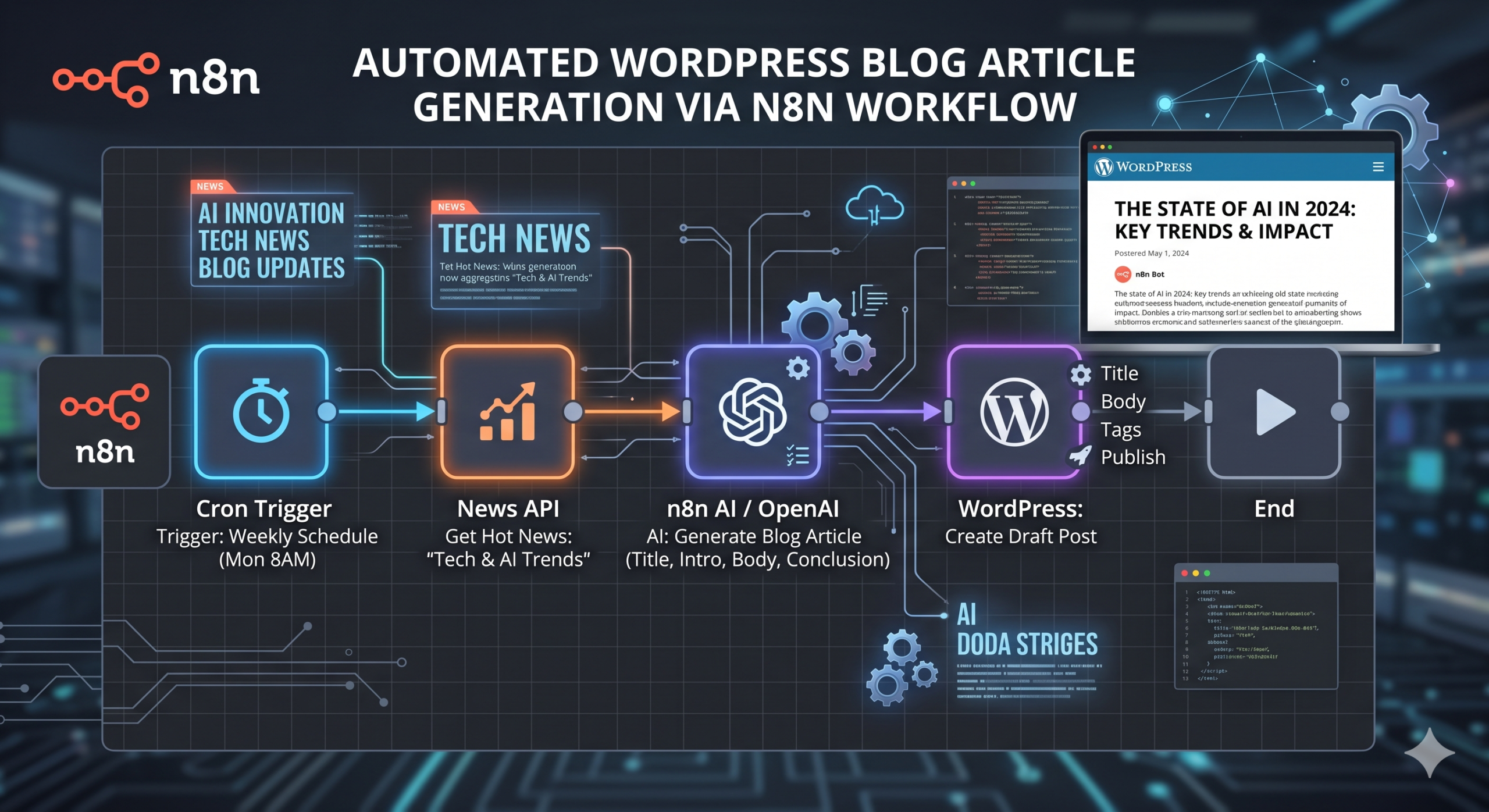
Quickly create engaging WordPress posts with images using n8n, saving time and boosting your content output without manual effort. Perfect for small businesses looking to grow their online presence efficiently.
Instantly Create WordPress Posts with Eye-Catching Images
Save hours on publishing: automate new WordPress posts with images seamlessly inserted. Post content, titles, and visuals in one go—no manual upload needed.
What it Does
-
Automatic Post Creation:
Instantly publish new posts to your chosen WordPress site. -
Image Upload Integration:
Upload images and attach them to new posts automatically—no manual steps required. -
Content Customization:
Easily set post titles, bodies, and featured images for each post. -
Flexible Source Support:
Works with image URLs from any public source and standard post content.
What’s Included
- Sanitized workflow JSON file, ready for import
- PDF user guide with setup steps and tips
- Starter asset files for quick onboarding
Requirements
- WordPress site with REST API enabled
- Valid WordPress user account with post publishing permissions
- n8n instance (self-hosted or cloud)
Ready to streamline your posting?
Get started now and turn content ideas into published WordPress posts—complete with images—in just a few clicks.
What you get
- The complete n8n workflow (
.json) — import-ready, with a full setup guide in the workflow's sticky notes - Written documentation (
DESCRIPTION.md) - Extra:
imagegen.json - README with import instructions and license
Delivered as a ZIP (13 KB) · SHA-256 726c71539435d7ff…
Also listed in the n8n community library.
Requirements
- A working n8n instance (n8n Cloud or self-hosted)
- Credentials for the services the workflow connects to (listed in the setup sticky note inside the workflow)
How delivery works
Checkout is handled securely by Stripe — we never see your card details. The moment your payment completes, your download is available on the confirmation page, and a backup link is emailed to you. Links stay valid for 72 hours and up to 5 downloads; if yours expires, we'll re-issue it free — see support below.
Support
Every workflow includes email support for installation and setup questions: support@ais.email. We typically reply within one business day.
Lost or expired download link? Get a fresh one here — no need to email us.
Need this workflow customized for your business, or want it installed and configured for you? That's what we do — ask about our implementation services.
Get Automate WordPress Posts
One-time purchase · instant download · free link re-issue
Buy Now — $5.00