
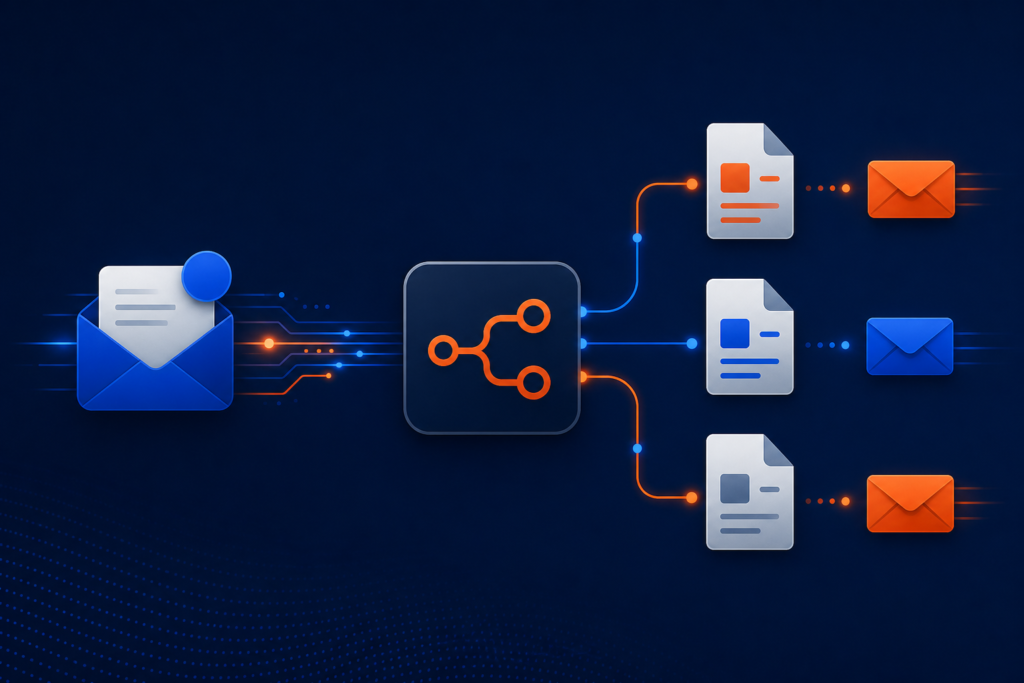
Save hours creating documents by automatically generating and emailing customized templates in response to Outlook requests with n8n
Automate Your Document Requests—From Inbox to Delivery in Minutes
Supercharge productivity and delight clients with instant, AI-powered document creation—no coding, no manual effort, just seamless automation.
What It Does
Automatically picks up requests from Outlook, no monitoring needed.
Smartly selects and fills the right document for every request—no human sorting.
Personalized, polished DOCX files sent back to your team or clients—fast.
Restrict requests to approved domains—fully trackable automation with peace of mind.
Easily adapt templates, logic, or integrations—no dev skills necessary.
What’s Included
- Sanitized n8n Workflow JSON — Instantly import and launch automation
- PDF User Guide — Step-by-step setup, mapping, and troubleshooting
- Starter Asset Files — Sample templates and config for quick onboarding
Requirements
- n8n instance (self-hosted or cloud; supports community/LangChain nodes)
- Microsoft 365 Outlook and Graph API access (site, library, drive IDs)
- OpenAI API Key
- Pandoc conversion server or endpoint
- Email account(s) for sending/receiving requests
Need help with setup or custom solutions? Reach our experts at
support@ais.email
— or explore more at
AI Solutions, Inc.
What you get
- The complete n8n workflow (
.json) — import-ready, with a full setup guide in the workflow's sticky notes - Written documentation (
DESCRIPTION.md) - Extra:
Generate-Documents-via-Email-User-Guide.html - Extra:
Generate-Documents-via-Email-User-Guide.pdf - README with import instructions and license
Delivered as a ZIP (120 KB) · SHA-256 6acac617a4d6f1f5…
Requirements
- A working n8n instance (n8n Cloud or self-hosted)
- Credentials for the services the workflow connects to (listed in the setup sticky note inside the workflow)
How delivery works
Checkout is handled securely by Stripe — we never see your card details. The moment your payment completes, your download is available on the confirmation page, and a backup link is emailed to you. Links stay valid for 72 hours and up to 5 downloads; if yours expires, we'll re-issue it free — see support below.
Support
Every workflow includes email support for installation and setup questions: support@ais.email. We typically reply within one business day.
Lost or expired download link? Get a fresh one here — no need to email us.
Need this workflow customized for your business, or want it installed and configured for you? That's what we do — ask about our implementation services.