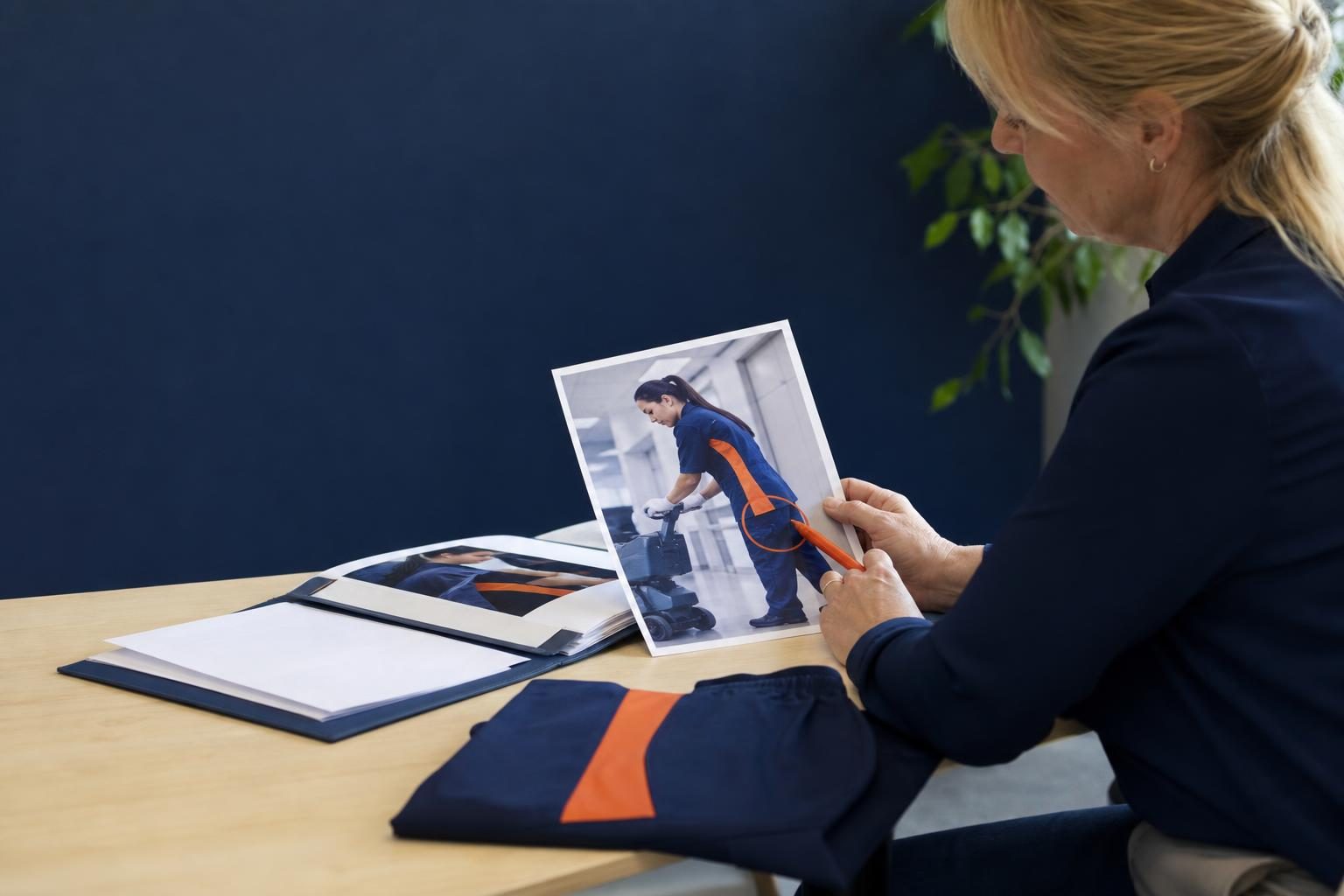
A 12-person commercial cleaning company is revising a sales proposal an hour before a client meeting. Its before-and-after photo shows staff in the wrong uniform color and an outdated logo on a supply cart. The office manager does not need a new design project or a contractor’s turnaround time. She needs to correct one visual detail inside the proposal, then send it. That last-mile revision problem is where Google Pics in Workspace has real small-business value. The point is not to turn every office manager into a designer. It is to let the person finishing a client document make a narrow, reviewable correction without breaking the workflow around it.
- The small-business image problem is revision
- Why Google Pics matters at the last mile
- Which visual edits are worth making
- Build an approval lane before editing
- The AIS lens: automate the handoff, not the judgment
- Frequently asked questions
The small-business image problem is revision, not inspiration
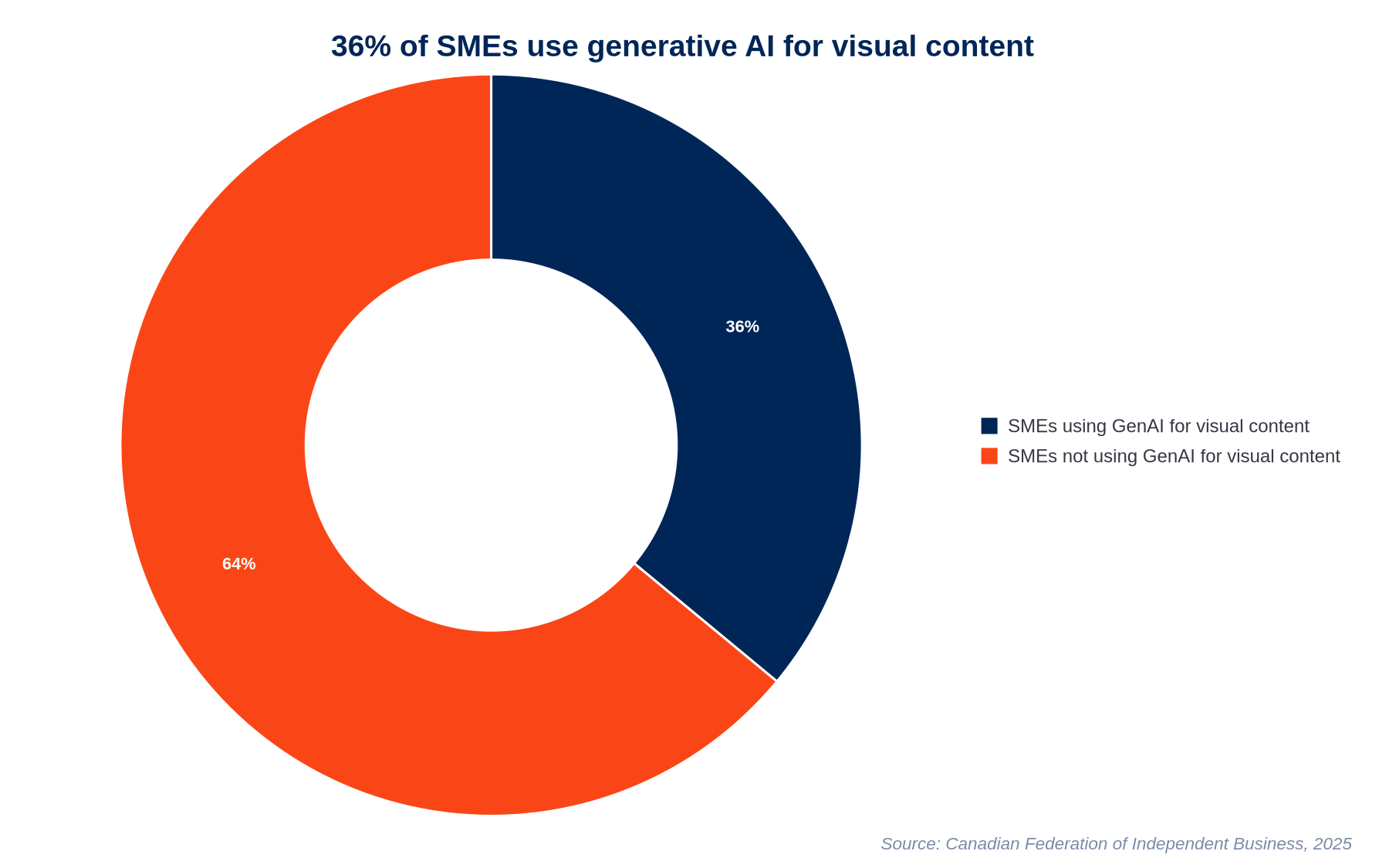
Small firms are already experimenting with visual AI. A 2025 Canadian Federation of Independent Business report found that 36% of surveyed SMEs used generative AI to create images, graphics, or video content. Yet the useful question for an owner is rarely, “Can AI make a dramatic image from scratch?” It is usually, “Can we repair the one thing holding up a proposal, presentation, or client update?”
That distinction matters because existing business visuals carry context. A service photo may show the right crew, the right facility, and the right outcome, but an old logo, distracting object, or seasonal detail makes it unsuitable for a current document. Starting over introduces fresh brand risk. A focused correction preserves the evidence and keeps the team moving.
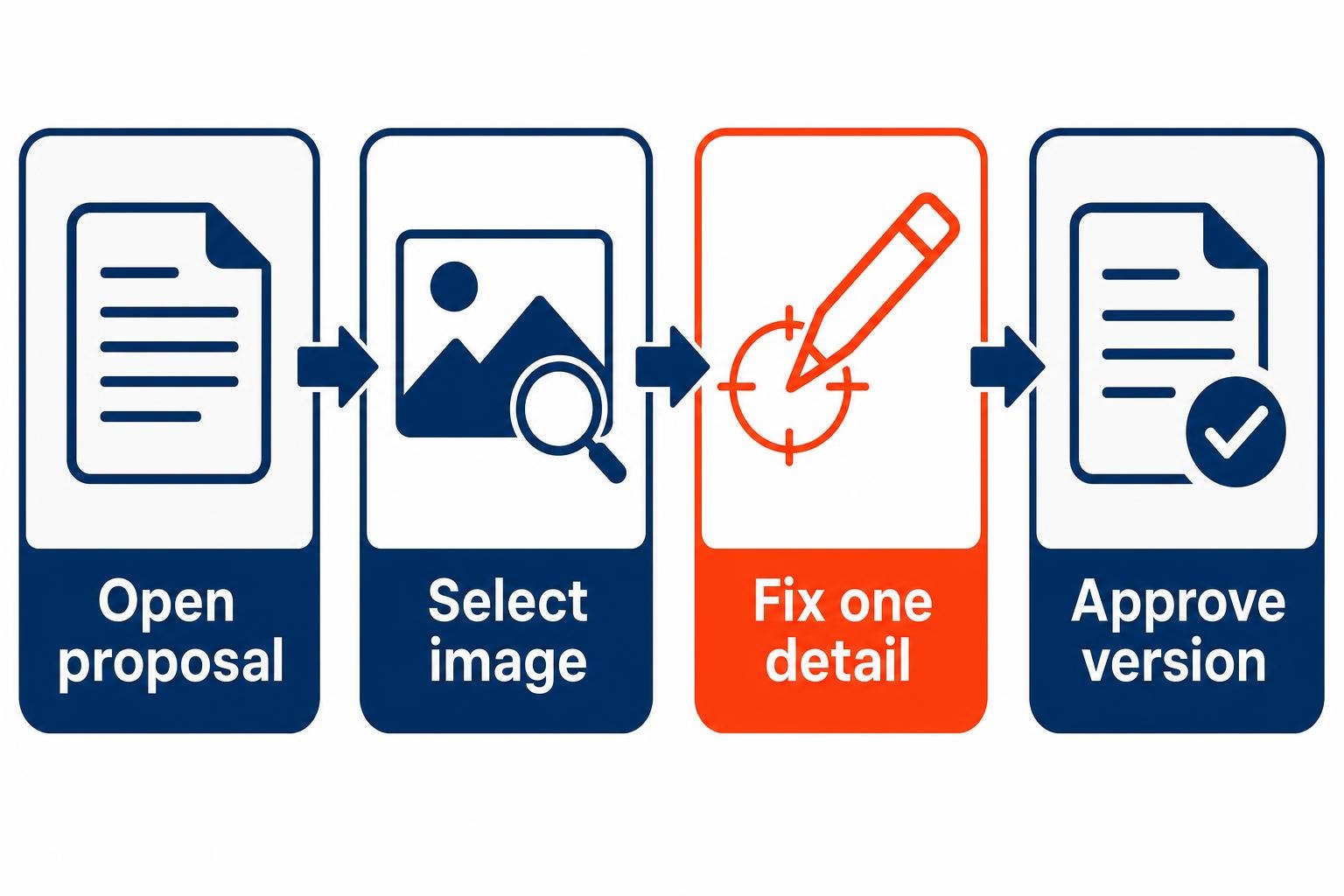
The firms that get this right treat AI image editing as a finishing tool. They reserve it for small, bounded corrections where an employee can describe the intended result, inspect it closely, and get approval. That is a more useful operating model than asking staff to generate client-facing art whenever a document needs a picture.
Why Google Pics matters at the last mile of a proposal
Google Pics became generally available on September 1, 2026, as an AI image creation and editing tool for Workspace workflows. Its significance for a small business lies in where it appears. The work is already happening in a proposal or sales deck, often under deadline, with a decision-maker waiting for a final copy.
A selected image in Google Docs or Slides can open Pics’ precision tools in one click, while Pics images can be shared with collaborators and stored or opened in Google Drive. That changes the handoff. The employee preparing the client document does not have to export an asset, explain a minor change to someone else, wait for a replacement file, and manually insert it again.
Return to the cleaning proposal. The office manager selects the before-and-after photograph, requests a correction to the outdated uniform and logo detail, then checks the result against approved company materials. The change happens in the context where the photo will be judged: alongside the scope of work, price, and client name. She still needs to verify accuracy. But the correction no longer forces a separate creative project.
This is a modest promise, and that is exactly why it is credible. The expensive friction in many small firms comes from accumulated interruptions, not from a shortage of creative ideas.
The high-value Google Pics use cases are precise and limited
Google says users can generate an image from a natural-language prompt or import an existing image from their computer, Drive, or Google Photos for AI-assisted editing. The service also supports object-level controls that refine specific parts of an image. For a client-facing document, that precision is the feature to care about.
Use it to correct a visible detail, not invent evidence
Consider the opening hypothetical. The cleaning company has a genuine photo of a completed job, but an employee’s shirt uses a retired color scheme. The office manager asks for that bounded correction, then compares the output with the current uniform reference before the proposal goes out. What changed? The team kept the authentic job-site context while removing a detail that would make the proposal feel dated.
Take a hypothetical six-person architecture studio preparing a slide deck for a property-management prospect. A photo of a completed lobby renovation is strong, except for an abandoned ladder in the background. A targeted edit may remove the distraction. The studio should not use the same process to fabricate a completed feature that was never part of the project. The dividing line is simple: correct presentation clutter and outdated brand elements; keep project facts, results, people, and client-specific details under human control.
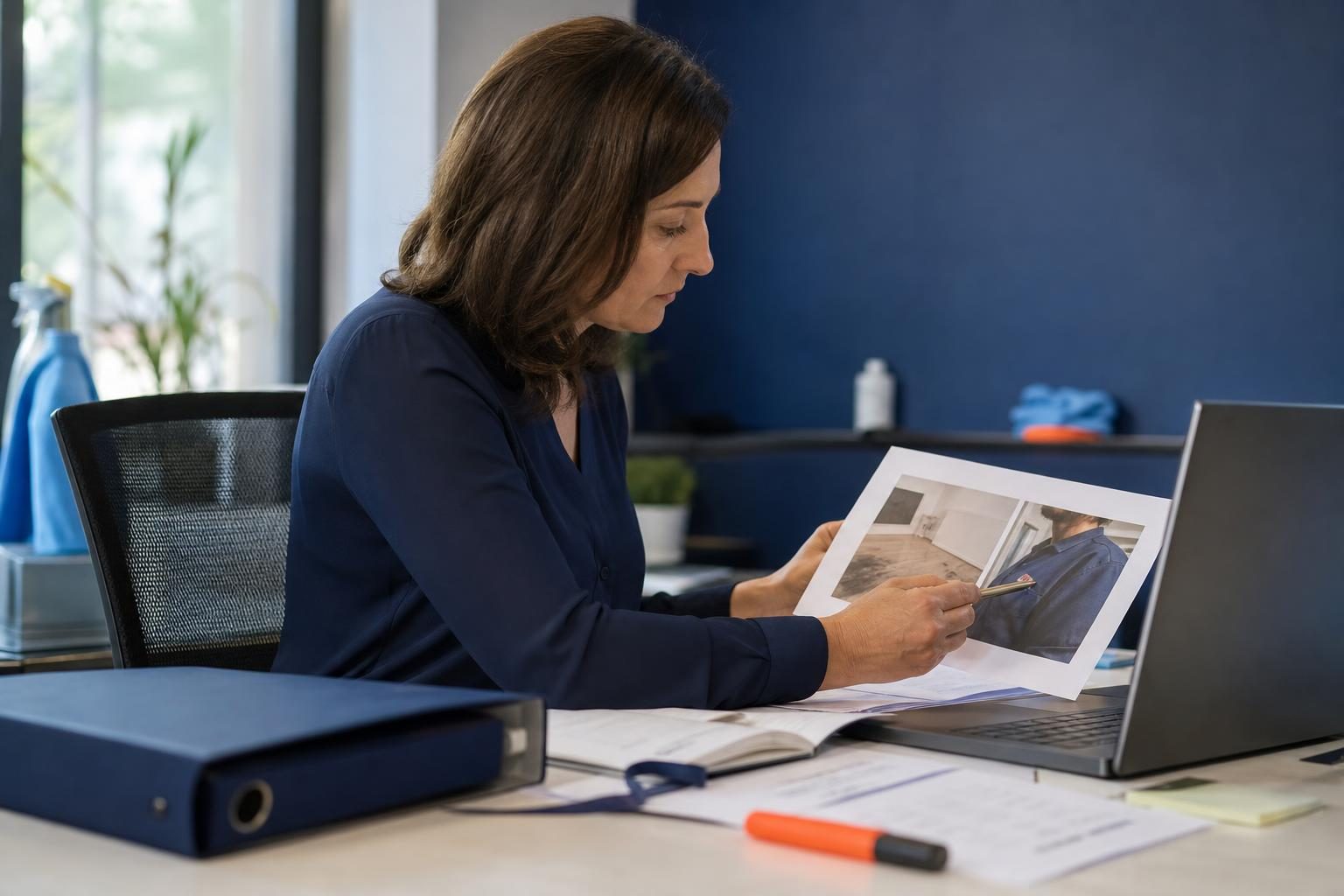
Good candidates include a background distraction, a discontinued branded item, a color correction, or a misplaced seasonal element. Poor candidates include altering a product result, changing a safety condition, or generating a photo that a client could reasonably interpret as documentary evidence. AI can make a file look polished. It cannot decide what your firm should stand behind.
Build an approval lane before every employee starts editing images
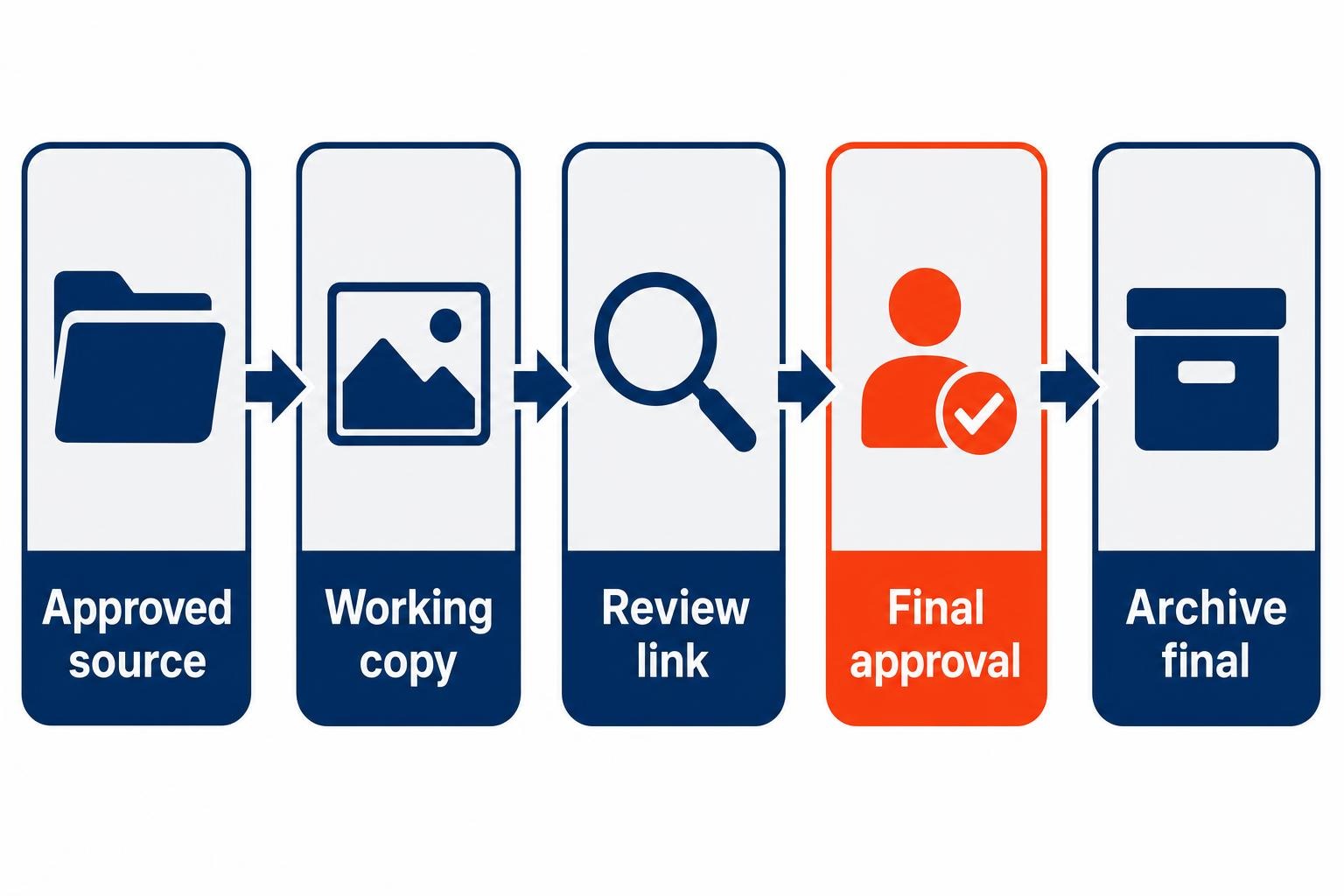
The fastest path to disorder is giving everyone a new image tool without defining which files are authoritative. Create a small approval lane before adoption expands. It does not require a design department. It requires one source location, clear version names, and a person who owns the final call.
- Keep approved originals together: Store the source photo, current logo, and approved visual references in a designated folder.
- Work from a copy: Preserve the original and give the draft a clear working name tied to the proposal or deck.
- Describe one intended correction: A narrow request makes review easier than an open-ended redesign.
- Assign a final approver: That may be an owner, operations manager, or the person responsible for brand standards.
- Archive the approved final: Future staff should be able to identify the image that was actually used.
Google Pics is also accessible as a standalone web app at pics.new, which may suit a person preparing images before they enter a document. Access should be confirmed first: the initial rollout targets Google AI Pro and Ultra subscribers plus most Workspace business customers, while free personal accounts are not included in the initial availability, according to reporting from Truescho.
The AIS lens: automate the handoff, not the judgment
A good visual-update process has a few repeatable moments: a request arrives, an approved source is selected, a bounded edit is made, a reviewer is notified, and the final asset is filed. Those handoffs are appropriate for an automation platform or workflow tool. For example, a change in a document’s status can prompt the designated approver to review the revised visual. The approval itself should remain human.
This principle applies even when your firm works across Google Workspace and Microsoft 365. Do not try to make every folder, document, and collaboration habit identical. Instead, define the shared rules: where approved visual assets live, who may alter them, which document version is final, and how staff receive approval requests. The same discipline behind a Microsoft 365 migration that must work on Monday applies here: employees need a dependable destination for current work, not a collection of clever features.
Google says Docs and Slides are the initial integrated editing locations, with Google Drive image editing scheduled for rollout in the following weeks. Google Workspace release notes also document Imagen 4 image generation across Docs, Slides, and Vids in multiple languages, as detailed in the company’s admin release log. As those generative image options expand, standardizing source folders and approval responsibility becomes more important, not less.
Start with one document type, such as sales proposals. Give one employee permission to make limited edits, assign one approver, and review what changed after several uses. That is the same small-job discipline recommended in Your First AI Agent Should Have One Small Job. A narrowly defined workflow shows where AI helps and where it creates rework.
Frequently asked questions
Can I edit a photo in a Google Docs proposal with Google Pics?
Yes, if your account has access. Google Pics is designed to let Workspace users select an image in Docs or Slides and open AI editing tools from that working document. The integration supports editing without leaving the document workflow, though your firm should still review the result before sharing it with a client.
Who can use Google Pics in Workspace?
Initial availability is aimed at Google AI Pro and Ultra subscribers and most Google Workspace business customers. Free personal Google accounts are excluded from the initial release. Before updating a team process, ask your Workspace administrator to confirm which employees have access and whether their account configuration supports the intended document workflow.
Does Google Pics work in Google Drive yet?
Google announced Docs and Slides as the first integrated locations for Pics, with Drive image editing integration planned for the following weeks. That makes Docs and Slides the practical starting point for proposal and presentation revisions. Keep final approved assets organized now so the team has a clear source of truth when Drive editing becomes available.
Should staff use AI to create all of our sales images?
No. Start with narrow corrections to existing, approved business visuals: removing a distraction, updating a branded item, or preparing a relevant image for a current proposal. Keep customer evidence, project claims, visual brand decisions, and final approval in human hands. The strongest workflow reduces rework without weakening your firm’s credibility.
Treat Google Pics as a revision tool, not a creative free-for-all
For the 12-person cleaning company, the meaningful win is not an AI-generated masterpiece. It is getting a proposal-ready photo corrected, checked, and approved before the client meeting without launching a separate design task. Google Pics makes that kind of last-mile work easier inside Workspace documents, but the technology is only half the process. Your team still needs approved source files, bounded edit requests, a final reviewer, and a place for completed assets. Begin with one recurring document, one correction type, and one accountable approver. That is how a useful feature becomes a dependable operating habit.
Ready to explore how you can streamline your processes? Reach out to Automated Intelligent Solutions today for expert guidance and tailored strategies.