
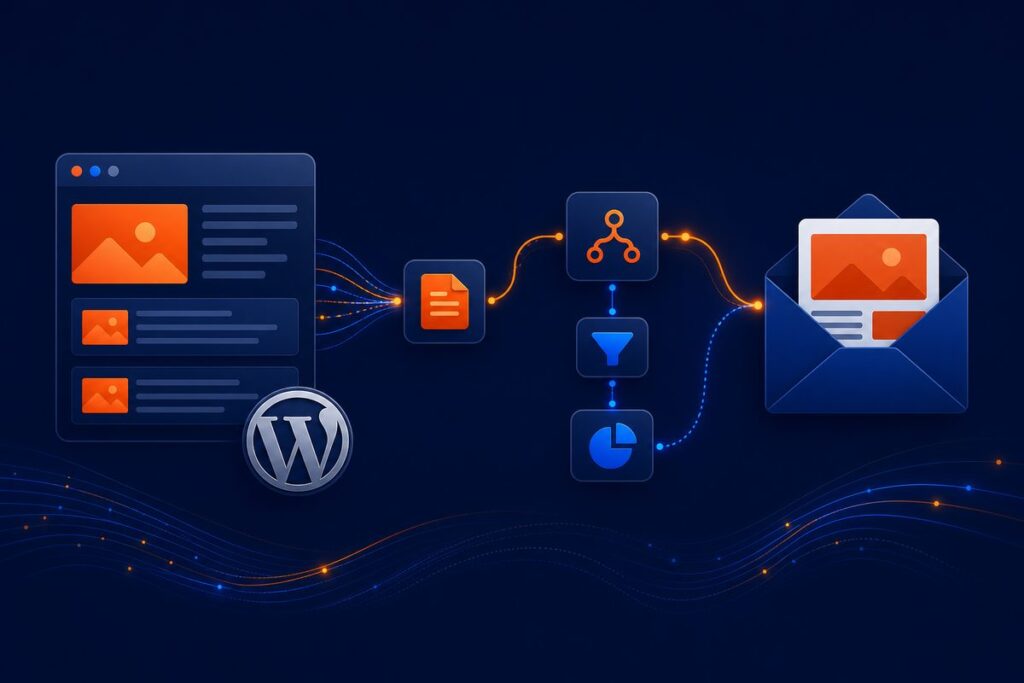
Create and send weekly newsletters with concise summaries of your WordPress posts using n8n. Save time and engage your audience with automated email updates.
Effortless WordPress Email Newsletters—Automated by AI, Delivered Every Week
Instantly transform your latest WordPress posts into polished, AI-powered HTML newsletters. Connect, summarize, and email—all on autopilot with zero hassle.
What Does It Do?
Set and forget—newsletters send automatically every week, on your chosen day and time.
Harness GPT-4o via LangChain for sharp, engaging post summaries—done for you.
Every newsletter looks sharp on any device—no design skills or coding needed.
Seamlessly syncs with your Google Sheet—just add or remove emails as you grow.
Delivers your newsletter straight to every subscriber, automatically—no manual emails ever.
What’s Included
- Production-ready, sanitized n8n workflow JSON — simple one-click import
- Step-by-step PDF User Guide — setup, connection, customization tips
- Starter assets — sample WordPress endpoint & Google Sheet templates
Requirements
- n8n instance (self-hosted or cloud, supports community & LangChain nodes)
- WordPress REST API endpoint
- OpenAI account & API key
- Google account (access to Sheets & Gmail)
- Basic familiarity with importing n8n workflows & connecting credentials
Questions or Need a Hand?
Email our team anytime:
support@ais.email
AI Solutions, Inc. —
automatedintelligentsolutions.com
Automate more. Stress less.
What you get
- The complete n8n workflow (
.json) — import-ready, with a full setup guide in the workflow's sticky notes - Written documentation (
DESCRIPTION.md) - Extra:
WP-Newsletter-wp_newsletter_subscribers.csv - README with import instructions and license
Delivered as a ZIP (9 KB) · SHA-256 05c01caf120699f6…
Requirements
- A working n8n instance (n8n Cloud or self-hosted)
- Credentials for the services the workflow connects to (listed in the setup sticky note inside the workflow)
How delivery works
Checkout is handled securely by Stripe — we never see your card details. The moment your payment completes, your download is available on the confirmation page, and a backup link is emailed to you. Links stay valid for 72 hours and up to 5 downloads; if yours expires, we'll re-issue it free — see support below.
Support
📄 Full User Guide (PDF) — complete installation and configuration details.
Every workflow includes email support for installation and setup questions: support@ais.email. We typically reply within one business day.
Lost or expired download link? Get a fresh one here — no need to email us.
Need this workflow customized for your business, or want it installed and configured for you? That's what we do — ask about our implementation services.