
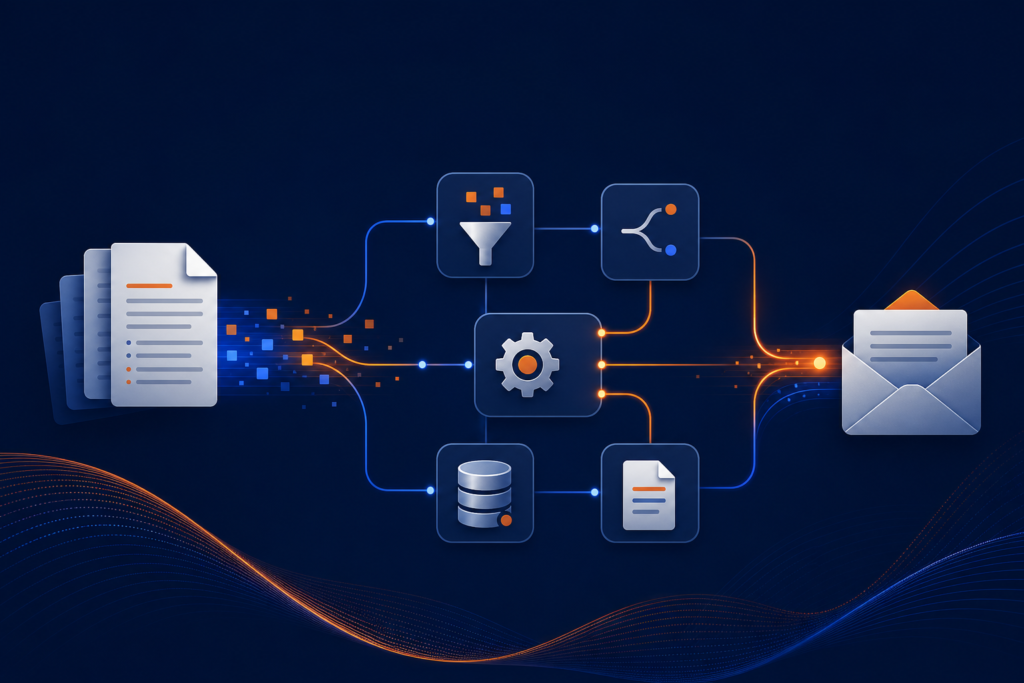
Convert legal time entries into LEDES invoices, extract sender info, and send final invoices via email with n8n automation. Simplify billing workflows and save time.
Legal Billing, Automated: N8N-LEDEs Conversion – G
Instantly transform invoice attachments into client-ready LEDES files and clean PDF invoices. Save hours, reduce errors, and keep legal billing running on autopilot.
What It Does
- Production-ready workflow (JSON): Clean, tested, and instantly importable for n8n — all sensitive info removed
- PDF User Guide: Fast setup, step-by-step walkthrough, and troubleshooting tips
- Starter Assets: Demo invoice templates and sample test data to get rolling on day one
Requirements
- n8n instance (self-hosted; requires free LangChain & community nodes)
- IMAP email account (invoice inbox monitoring)
- Google Sheets API credentials
- OpenAI API key
- Gmail API credentials (for outbound invoice email)
- HTML-to-PDF conversion endpoint
Setup Difficulty: Intermediate — Designed for n8n users familiar with common nodes and API authentication.
Need Help or Customization?
Our team is ready to assist — support@ais.email
What you get
- The complete n8n workflow (
.json) — import-ready, with a full setup guide in the workflow's sticky notes - Written documentation (
DESCRIPTION.md) - Extra:
LEDEs-Conversion-G-User-Guide.html - Extra:
LEDEs-Conversion-G-User-Guide.pdf - Extra:
LEDEs-Conversion-G-time_entries.csv - Extra:
LEDEs-Conversion-G-invoice_numbers.csv - README with import instructions and license
Delivered as a ZIP (493 KB) · SHA-256 a758d188187ed7c5…
Requirements
- A working n8n instance (n8n Cloud or self-hosted)
- Credentials for the services the workflow connects to (listed in the setup sticky note inside the workflow)
How delivery works
Checkout is handled securely by Stripe — we never see your card details. The moment your payment completes, your download is available on the confirmation page, and a backup link is emailed to you. Links stay valid for 72 hours and up to 5 downloads; if yours expires, we'll re-issue it free — see support below.
Support
Every workflow includes email support for installation and setup questions: support@ais.email. We typically reply within one business day.
Lost or expired download link? Get a fresh one here — no need to email us.
Need this workflow customized for your business, or want it installed and configured for you? That's what we do — ask about our implementation services.