
Law firms are asking for one thing from AI: trustworthy results inside the tools their teams already use. Microsoft and Anthropic have made that easier. Most commercial Microsoft 365 tenants can now use Anthropic’s Claude models inside Microsoft 365 Copilot, with admin controls that scope access to specific users or groups. This guide explains what “enabling Claude in Microsoft 365 Copilot” really means, what to configure first from a risk and compliance standpoint, and how to turn it on for your firm without surprises.
- What enabling Claude in Microsoft 365 Copilot really means
- Prerequisites and governance checklist for law firms
- Step-by-step: Enable Anthropic (Claude) in the Microsoft 365 admin center
- Optional: Route Copilot Studio prompts to Claude via an API tool
- Safeguards for confidentiality, retention, and ethics
- Pilot exercises legal teams can run in one afternoon
- Frequently asked questions
- Conclusion
What enabling Claude in Microsoft 365 Copilot really means
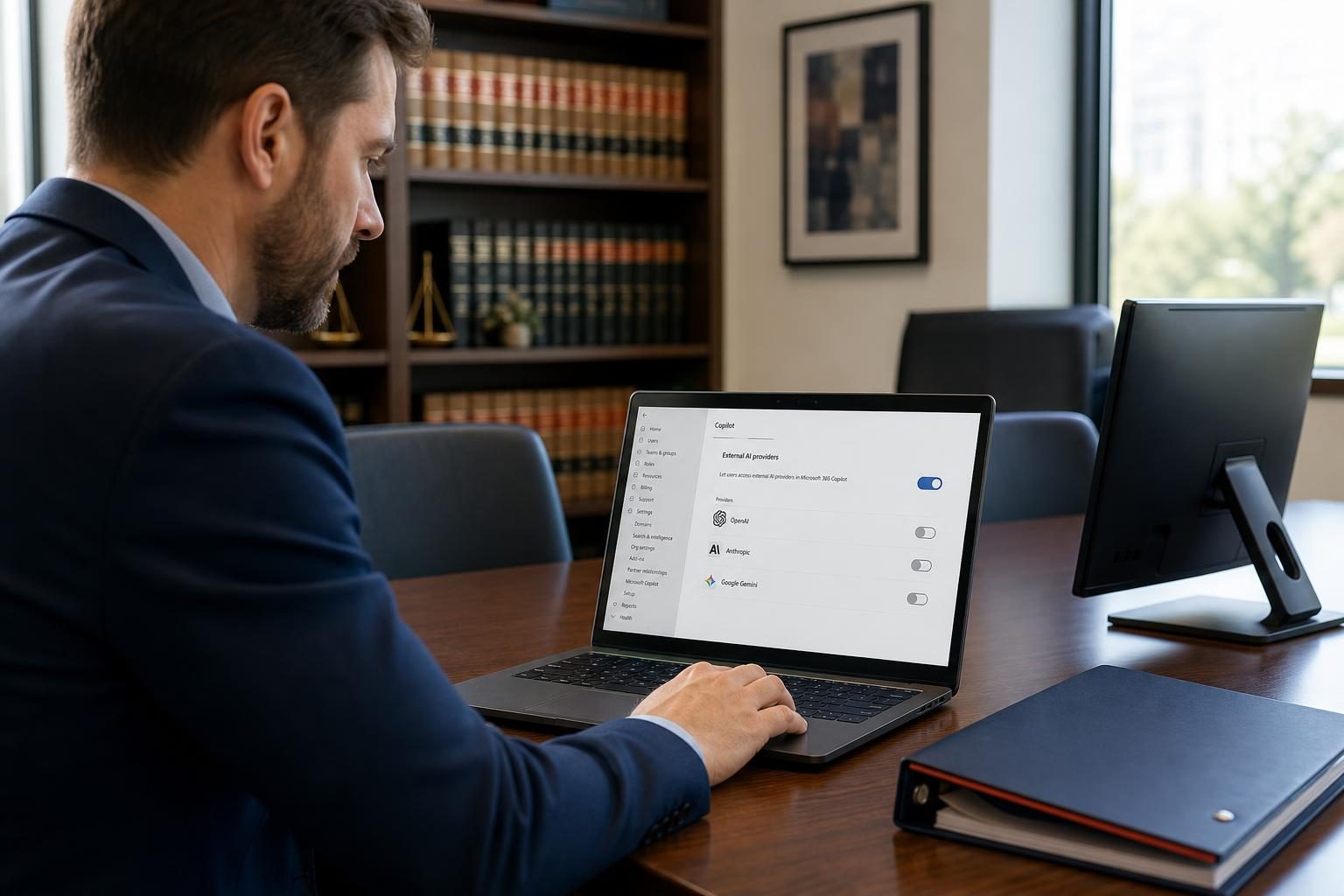
Microsoft has onboarded Anthropic as a Microsoft subprocessor so that Anthropic’s Claude models can power specific Microsoft 365 Copilot experiences. For most organizations in the commercial cloud outside the EU/EFTA/UK, Anthropic models are on by default as of July 22, 2026, and admins can scope which users or groups may access them. Microsoft’s documentation also notes that UI indicators show when Claude is in use in Copilot experiences. See Microsoft’s guidance on Anthropic as a subprocessor and admin controls for details and dates. learn.microsoft.com. In EU/EFTA/UK tenants, a separate admin setting governs Claude usage in Word, Excel, and PowerPoint. learn.microsoft.com.
“Microsoft enables Anthropic models on by default for most customers in commercial cloud (excluding EU/EFTA and UK).” learn.microsoft.com
Prerequisites and governance checklist for law firms
Before you flip any switches, confirm the foundations that keep client data safe and your pilots productive:
- Licensing and access: Ensure users have the correct Microsoft 365 Copilot licensing and that an admin account with the AI Administrator or Global Administrator role can reach Copilot settings. learn.microsoft.com, learn.microsoft.com.
- Data protection configured first: Copilot honors existing permissions and Purview Information Protection sensitivity labels. Labels applied to source files are inherited into Copilot-created content in Word, PowerPoint, and Outlook; chat summaries display the highest-priority label from referenced data. learn.microsoft.com, learn.microsoft.com.
- DLP and retention: If you use Data Loss Prevention, review the Microsoft 365 Copilot and Copilot Chat policy locations and conditions to exclude items or labels you do not want processed in summaries. learn.microsoft.com.
- Ethics guidance: The American Bar Association’s Formal Opinion 512 reminds lawyers to evaluate competence, confidentiality, client communication, candor, and fees when using generative AI. americanbar.org, americanbar.org. For situational context, see our analysis in Defense Attorneys and AI: Cautious Adoption of New Tools.
Step-by-step: Enable Anthropic (Claude) in the Microsoft 365 admin center
The exact controls depend on your region and cloud. The steps below apply to most U.S. commercial tenants as of July 22, 2026. EU/EFTA/UK tenants have an additional per-app setting. GCC non-federal customers have a separate opt-in control as of July 22, 2026. Always check Microsoft’s current documentation for your tenant type and location. learn.microsoft.com, learn.microsoft.com.
- Sign in to the Microsoft 365 admin center with AI Administrator or Global Administrator credentials. learn.microsoft.com.
- Go to Copilot → Settings → View all → AI providers operating as Microsoft subprocessors. learn.microsoft.com.
- Select Anthropic, then choose which users or Microsoft Entra ID security groups can access Anthropic models. Save. learn.microsoft.com.
- (EU/EFTA/UK only) In Copilot in Microsoft 365 apps with Anthropic models, turn on the per-app setting for Word/Excel/PowerPoint if available in your tenant. learn.microsoft.com.
- (Optional) In the Power Platform admin center, allow external language models for generative responses so makers can select Anthropic for Copilot Studio agents, subject to your tenant policy. learn.microsoft.com.
- Communicate the change. Microsoft notes UI indicators show when Claude is in use in Copilot clients. learn.microsoft.com.
Important retention note: “Preview models with Data Retention” (for example, certain advanced Anthropic preview models) are off by default for all regions and require a separate opt-in with additional terms. Review this carefully before enabling. learn.microsoft.com.

Optional: Route Copilot Studio prompts to Claude via an API tool
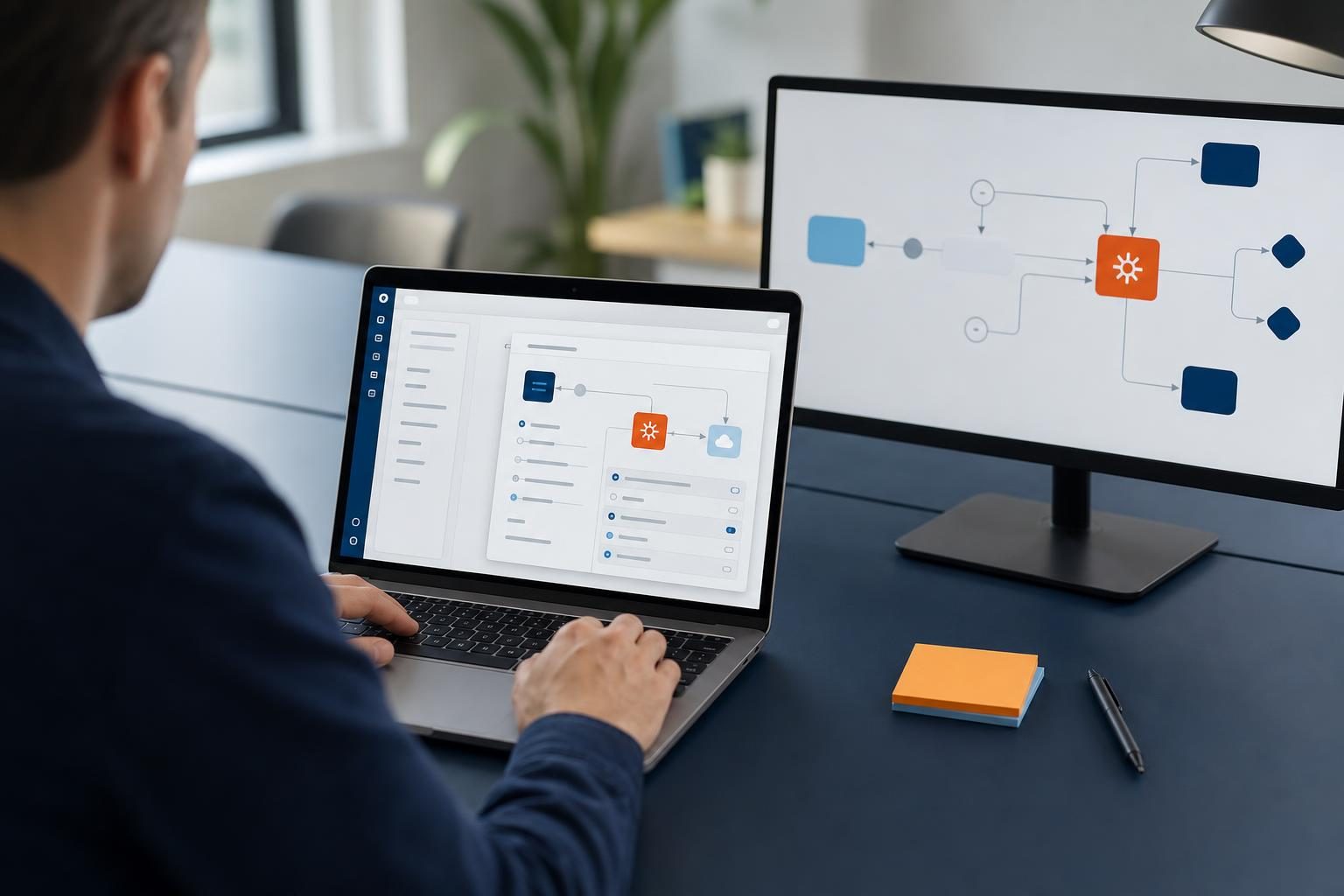
If your firm wants Claude only for a narrow workflow (example: case chronology extraction) without enabling Anthropic broadly, Copilot Studio supports connecting agents to external REST APIs using an OpenAPI schema. This pattern uses your Anthropic API key and is governed by Anthropic’s API terms and retention controls, not Microsoft’s Enterprise Data Protection for internal Copilot experiences. learn.microsoft.com, learn.microsoft.com, platform.claude.com.
How to set it up
- Create a Copilot Studio agent for your scenario. learn.microsoft.com.
- Add a REST API tool and import an OpenAPI definition for Anthropic’s Messages API, then configure authentication with a secure connection. learn.microsoft.com.
- Bind the tool to a topic or prompt. Test with redacted sample data first. learn.microsoft.com.
- Review Anthropic’s data retention options such as zero data retention (ZDR) for the API, which are requested and enforced on Anthropic’s side. platform.claude.com.
Note: This “agent calls Claude API” route differs from enabling Anthropic as a Microsoft subprocessor. The former uses your vendor key and Anthropic’s policy; the latter uses Microsoft’s enterprise terms and protections for in-app Copilot experiences. For background on Microsoft’s multi-model approach in Microsoft 365 apps, see Microsoft’s recent updates. techcommunity.microsoft.com, techcommunity.microsoft.com.
Safeguards for confidentiality, retention, and ethics
- Enterprise Data Protection: When Anthropic operates as a Microsoft subprocessor for Microsoft 365 Copilot experiences, Microsoft’s Product Terms and Data Protection Addendum apply. Preview models with data retention are an explicit exception and remain off until you opt in. learn.microsoft.com.
- Label inheritance and access scoping: Purview sensitivity labels flow into Copilot-created content, and you can restrict Anthropic access to specific users or Entra ID groups. learn.microsoft.com, learn.microsoft.com.
- EU data boundary caveat: When Anthropic models are used in EU/EFTA/UK Copilot app experiences, processing occurs outside the EU Data Boundary; Microsoft provides a separate admin switch for these regions. learn.microsoft.com.
- Legal ethics: The ABA’s Formal Opinion 512 advises firms to address competence, confidentiality, communication, and candor when using generative AI. americanbar.org. For practical adoption context, see Government Scrutiny of Anthropic: Impact on Small Businesses, Law Firms and Microsoft’s AI Frontier Company: Impact on Small Businesses, Law Firms.
The ABA notes lawyers must “fully consider their applicable ethical obligations” when using generative AI. americanbar.org

Which path fits your firm?
| Approach | Where Claude runs | Data processing terms | Good fit |
|---|---|---|---|
| Enable Anthropic for Microsoft 365 Copilot | Inside Microsoft 365 Copilot experiences (Word, Excel, PowerPoint, Chat) | Microsoft’s Product Terms and DPA apply when Anthropic is a Microsoft subprocessor; preview models with data retention require separate opt-in. learn.microsoft.com | Firm-wide productivity with enterprise controls and label inheritance |
| Copilot Studio agent calls Claude API | Your agent makes REST calls to Anthropic API | Governed by Anthropic’s API/data retention options such as ZDR, set on Anthropic’s side. platform.claude.com | Targeted workflows where you want strict key-scoped usage |
| Use Claude’s Microsoft 365 connector (in Claude) | Claude accesses SharePoint/OneDrive/Outlook/Teams via delegated Graph permissions | Anthropic-hosted connector; review connector security guide. support.claude.com | When you prefer Claude’s interface but need M365 context |
Pilot exercises legal teams can run in one afternoon
- Word: Ask Copilot to produce a clean first draft of a client update memo using three cited source documents in your matter workspace. Confirm the sensitivity label on the output file matches the highest-priority label from the sources. learn.microsoft.com.
- Excel: Have Copilot restructure settlement data into a pivot-ready table and propose validations. Then switch the model selector (where available) to test Claude’s results on the same prompt. Recent press coverage notes Claude’s proficiency with document and spreadsheet skills. tomsguide.com, techcommunity.microsoft.com.
- PowerPoint: Provide a deposition summary and ask Copilot to generate a 6-slide brief for a client meeting. Verify that any inherited label is applied to the new deck. learn.microsoft.com.
- Copilot Studio: Build a small agent that calls the Anthropic API to extract parties, claims, and dates from a PDF. Test first with redacted documents, then review logs and data handling against firm policy. learn.microsoft.com, platform.claude.com.
If you are formalizing AI across the practice, our primer 7 Benefits of Process Automation for Small Business Owners and the security overview in Real-Time AI Security for Small Businesses and Law Firms can help shape your rollout plan.
Frequently asked questions
Is Claude automatically available in Microsoft 365 Copilot for U.S. law firms?
In most commercial tenants outside EU/EFTA/UK, Microsoft enables Anthropic models by default, and admins can scope access to users or groups. Verify your tenant setting in the Microsoft 365 admin center under Copilot → Settings → AI providers operating as Microsoft subprocessors. UI indicators show when Claude is in use. See Microsoft’s subprocessor guidance for specifics. learn.microsoft.com.
Do Purview sensitivity labels apply to Copilot content created with Claude?
Yes. Microsoft states sensitivity labels on source content are inherited into Copilot-created items in Word, PowerPoint, and Outlook, and Copilot Chat shows the highest-priority label across referenced data. Validate this in pilots before broad rollout. learn.microsoft.com.
What’s the difference between enabling Anthropic in Copilot and calling Claude via Copilot Studio?
Enabling Anthropic as a Microsoft subprocessor keeps usage under Microsoft’s Product Terms and DPA for in-app Copilot experiences. Using Copilot Studio to call the Claude API is governed by Anthropic’s API terms and data retention options like ZDR. Choose based on scope, risk, and required controls. learn.microsoft.com, platform.claude.com.
Do we need client consent to use Claude in Copilot?
The ABA’s Formal Opinion 512 advises lawyers to consider Model Rules around competence, confidentiality, communication, and candor when adopting generative AI. Whether to disclose or seek consent depends on the matter, the tool’s role, and applicable rules. Establish a written policy and matter-level guidance. americanbar.org.
Conclusion
For many small and midsize firms, the practical move is to enable Anthropic for a scoped group of Microsoft 365 Copilot users, prove label inheritance and access controls work as intended, and then expand. If your need is narrower, call the Claude API from a Copilot Studio agent with a tightly governed key. Either way, invest a few hours in policy and pilots now to prevent missteps later—your clients and your partners will thank you.
Ready to explore how you can streamline your processes? Reach out to A.I. Solutions today for expert guidance and tailored strategies.